Who it's for
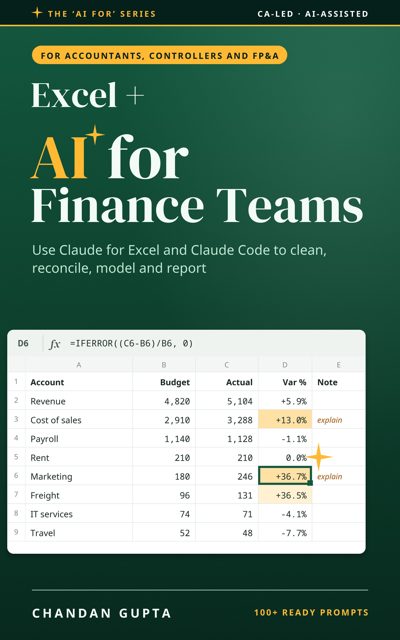
Accountants, controllers, FP&A analysts and AP/AR teams. Claude for Excel and Claude Code on real finance work: cleaning ERP exports, bank and intercompany reconciliations, month-end close, budgets, forecasts and 13-week cash, auditing an inherited model, and management reporting packs. When to use the Excel add-in, when to use Claude Code, and how to keep every workbook auditable.
What's inside
Part 1: Foundations
What leaves your laptop, how to set up on Windows or Mac, the ground rules that keep every workbook checkable, and when to use Claude inside Excel instead.
- What Leaves Your Laptop
- Set Up on Windows or Mac
- Ground Rules for Workbooks
- Claude Inside Excel, or Claude Code?
Part 2: Finance work
Seven areas of finance work, each with tasks Claude Code handles well, three worked examples and prompts you can copy.
- Cleaning Messy Exports
- Reconciliations
- Month-End Close
- Budgets, Forecasts and Cash
- Auditing an Inherited Model
- Management Reporting Packs
- Macros, Power Query or Python
Part 3: Working well
Checking what it gives you, turning your team's way of working into a playbook, and knowing when to stay in Excel.
- Checking the Output
- Your Team Playbook
- Limits, and When to Stay in Excel
Part 4: Try it yourself
Three end-to-end walkthroughs on downloadable practice files with planted traps, each run and checked against an answer key.
- Walkthrough: A Month-End Bank Reconciliation
- Walkthrough: A Quarterly Budget Versus Actual Pack
- Walkthrough: Reviewing an Inherited Forecast Model
Read the opening free
The introduction and first chapter as a PDF, no sign-up.
Download the free sample (PDF)Free guides from this book
- Free guide · Excel + AI for Finance Teams
Bank Reconciliation with AI: A Month-End Method
Use Claude Code to write a bank reconciliation script that runs on your own computer, ties both balances to zero and lists every exception for review.
Read the guide → - Free guide · Excel + AI for Finance Teams
Claude for Excel vs Claude Code for Finance Teams
When to use the Claude for Excel add-in and when to use Claude Code for finance work: what each does, what each sends, and a job-by-job rule.
Read the guide → - Free guide · Excel + AI for Finance Teams
Audit an Inherited Excel Model with AI: A Review Method
Review a forecast model you didn't build: use Claude Code to list hardcodes, broken links, hidden sheets and unit errors by cell, without editing it.
Read the guide →
Questions
Who is this book for?
Accountants, controllers, FP&A analysts and AP/AR teams who live in Excel and want AI help they can check.
Claude for Excel or Claude Code: which one?
Chapter 4 compares them. The add-in works inside an open workbook; Claude Code works on files and folders and suits repeatable jobs such as a monthly bank reconciliation.
Do I need to code or know Python?
No. You describe the job, the AI writes the script, and the book shows how to check the output with tie-outs and control totals.
What do I need to follow along?
Excel on Windows or Mac and a paid Claude plan. The book links to its practice workbooks and answer keys.
About the author
More in the series
 Internal audit & SOX
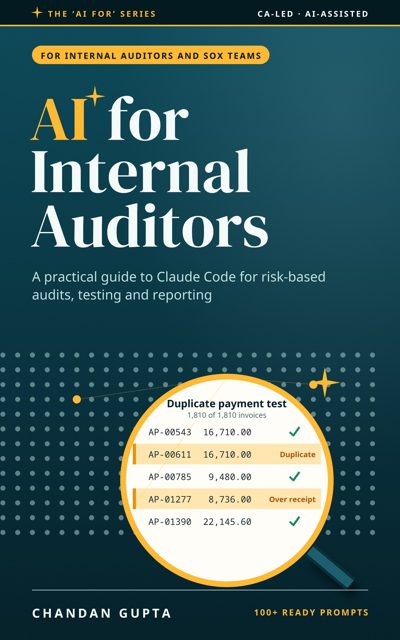
AI for Internal Auditors
A practical guide to Claude Code for risk-based audits, control testing, data analytics and reporting